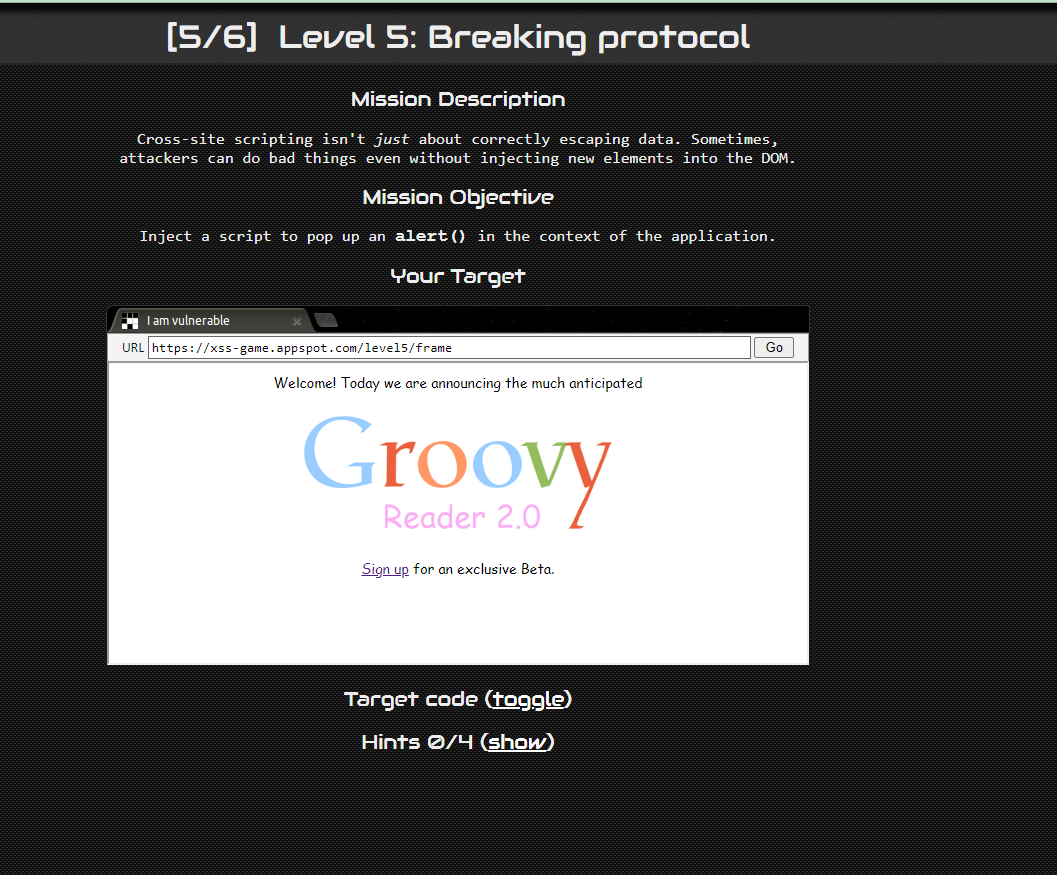
문제 화면이다.
소스코드는 다음과 같다.
confirm html
<!doctype html>
<html>
  <head>
<!-- Internal game scripts/styles, mostly boring stuff --><script src="/static/game-frame.js"></script>
    <link rel="stylesheet" href="/static/game-frame-styles.css" />
  </head>

  <body id="level5">
    <img src="/static/logos/level5.png" /><br><br>
    Thanks for signing up, you will be redirected soon...
    <script>
      setTimeout(function() { window.location = '{{ next }}'; }, 5000);
    </script>
  </body>
</html>
class MainPage(webapp.RequestHandler):
  def render_template(self, filename, context={}):
    path = os.path.join(os.path.dirname(__file__), filename)
    self.response.out.write(template.render(path, context))

  def get(self):
    # Disable the reflected XSS filter for demonstration purposes
    self.response.headers.add_header("X-XSS-Protection", "0")

    # Route the request to the appropriate template
    if "signup" in self.request.path:
      self.render_template('signup.html',
        {'next': self.request.get('next')})
    elif "confirm" in self.request.path:
      self.render_template('confirm.html',
        {'next': self.request.get('next', 'welcome')})
    else:
      self.render_template('welcome.html', {})

    return

application = webapp.WSGIApplication([ ('.*', MainPage), ], debug=False)
signup.html
<!doctype html>
<html>
  <head>
<!-- Internal game scripts/styles, mostly boring stuff --><script src="/static/game-frame.js"></script>
    <link rel="stylesheet" href="/static/game-frame-styles.css" />
  </head>

  <body id="level5">
    <img src="/static/logos/level5.png" /><br><br>
<!-- We're ignoring the email, but the poor user will never know! -->
    Enter email: <input id="reader-email" name="email" value="">

    <br><br>
    <a href="{{ next }}">Next >></a>
  </body>
</html>
welcome.html
<!doctype html>
<html>
  <head>
<!-- Internal game scripts/styles, mostly boring stuff --><script src="/static/game-frame.js"></script>
    <link rel="stylesheet" href="/static/game-frame-styles.css" />
  </head>

  <body id="level5">
    Welcome! Today we are announcing the much anticipated<br><br>
    <img src="/static/logos/level5.png" /><br><br>

    <a href="/level5/frame/signup?next=confirm">Sign up</a>
    for an exclusive Beta.
  </body>
</html>
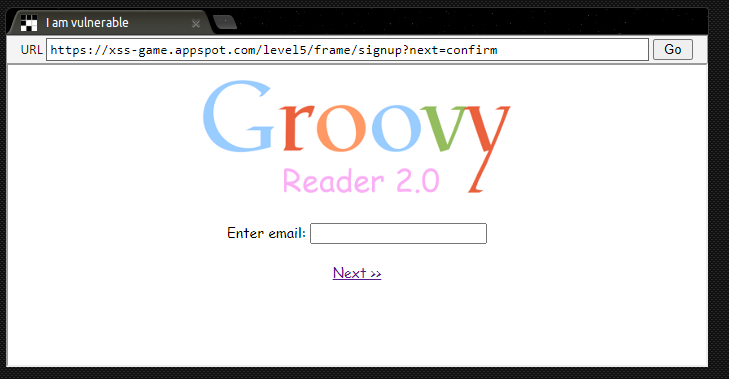
signupt?next 를 GET 방식으로 받아온다. 소스코드를 확인하면
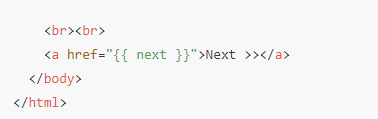
singup.html 일부
위와 같이 next 값을 받아온다. 즉 next=confirm 으로 이루어지며 /confirm.html로 이동되는 방식이다.
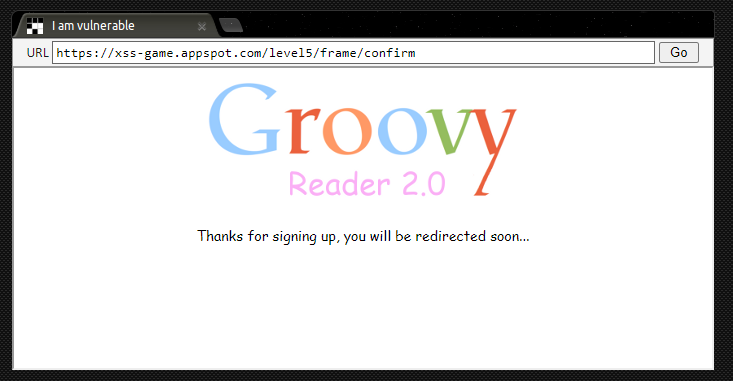
그냥 NEXT를 클릭하면 다음화면과 같이 뜨며 alert(1)을 수행할 수 없다.
이러한 경우 javascript 코드를 불러와 alert를 실행하는 방식에 있다.